What is Forensics?
Digital Forensics is very much like being a detective, or a forensics analyst in a crime scene. Only that you focus on material found on digital devices related to cybercrime.
In the context of CTFs, it is a broad category that often involves analyzing file formats, network packets, examining memory dumps, or recovering hidden data through steganography. Another way to put it is, you are like an archeologist, finding clues from digital activity that has happened in the past.
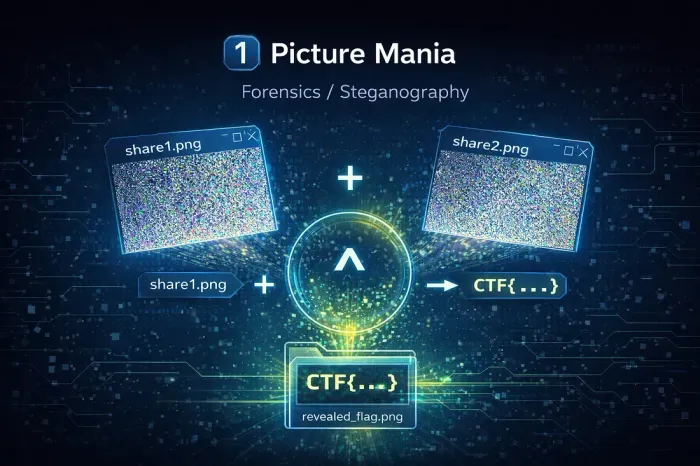
Beginner’s Guide to Forensics
Forensics typically requires you to learn specialized tools to uncover information. Here are some of the core skills you need to learn:
Check the File Type
Don’t trust file extensions. Use the file command on Linux or a
hex editor to check the “magic numbers” (the first few bytes) to see what a
file really is. A ‘.jpg’ might actually be a zip file.
Look for Hidden Data
Strings aren’t always visible. Use the strings command to find
printable characters in a binary file. For images or audio, data can be
hidden with steganography; try tools like steghide or online
solvers.
Analyse Network Traffic
If you get a PCAP file, open it in Wireshark. You can filter by protocol (like HTTP, DNS) or “Follow TCP Stream” to piece together conversations and find transferred files or flags.
Extract Embedded Files
Files can be hidden inside other files. Tools like binwalk or
foremost can scan a file and automatically extract any embedded
files they recognize, which is common in firmware or disk images.
Resources & Tools
Wireshark
The most well-known network protocol analyzer.
Volatility Framework
An open-source memory forensics framework for incident response and malware analysis.
exif.tools
An online tool to view and analyze metadata from various file types, especially images.
Binwalk
A tool for analyzing, reverse engineering, and extracting firmware images.
Aperisolve
An online platform that performs layer analysis on images to reveal hidden data from steganography.